

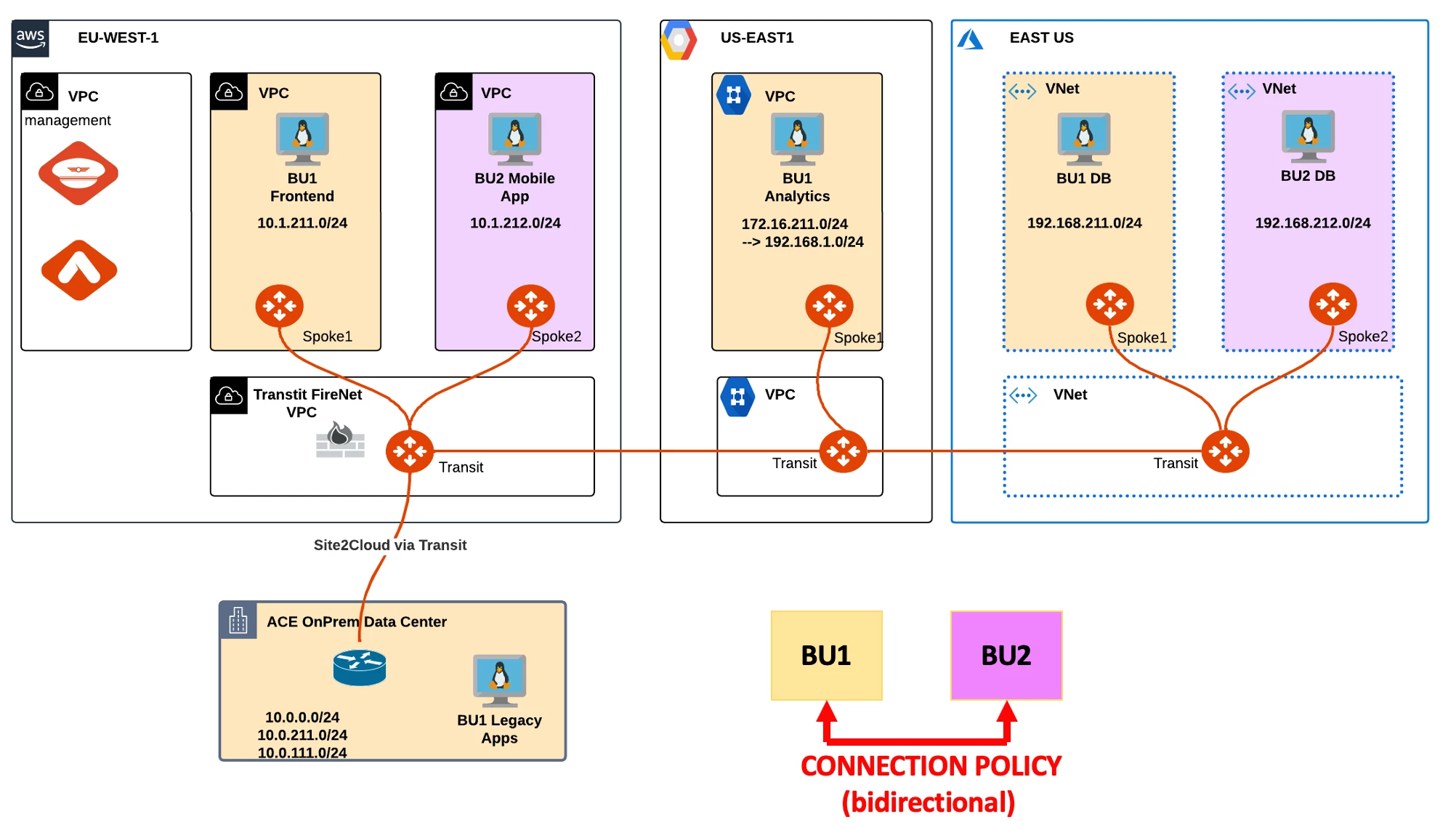
1. SCENARIO
Now ACE Inc. has decided that BU1 and BU2 need to be able to communicate with each other. You are engaged for applying a Connection Policy in order to merge the two routing domains.
After the change has been applied, verify that both the network domains have been merged together, successfully.
2. CHANGE REQUEST
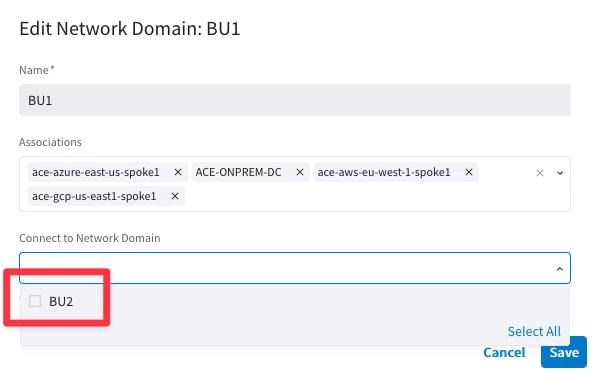
- Apply the Connection Policy
HINT: Go to CoPilot > Networking > Network Segmentation > Network Domains and then edit any network domains.
The Connection Policy works bidirectionally!

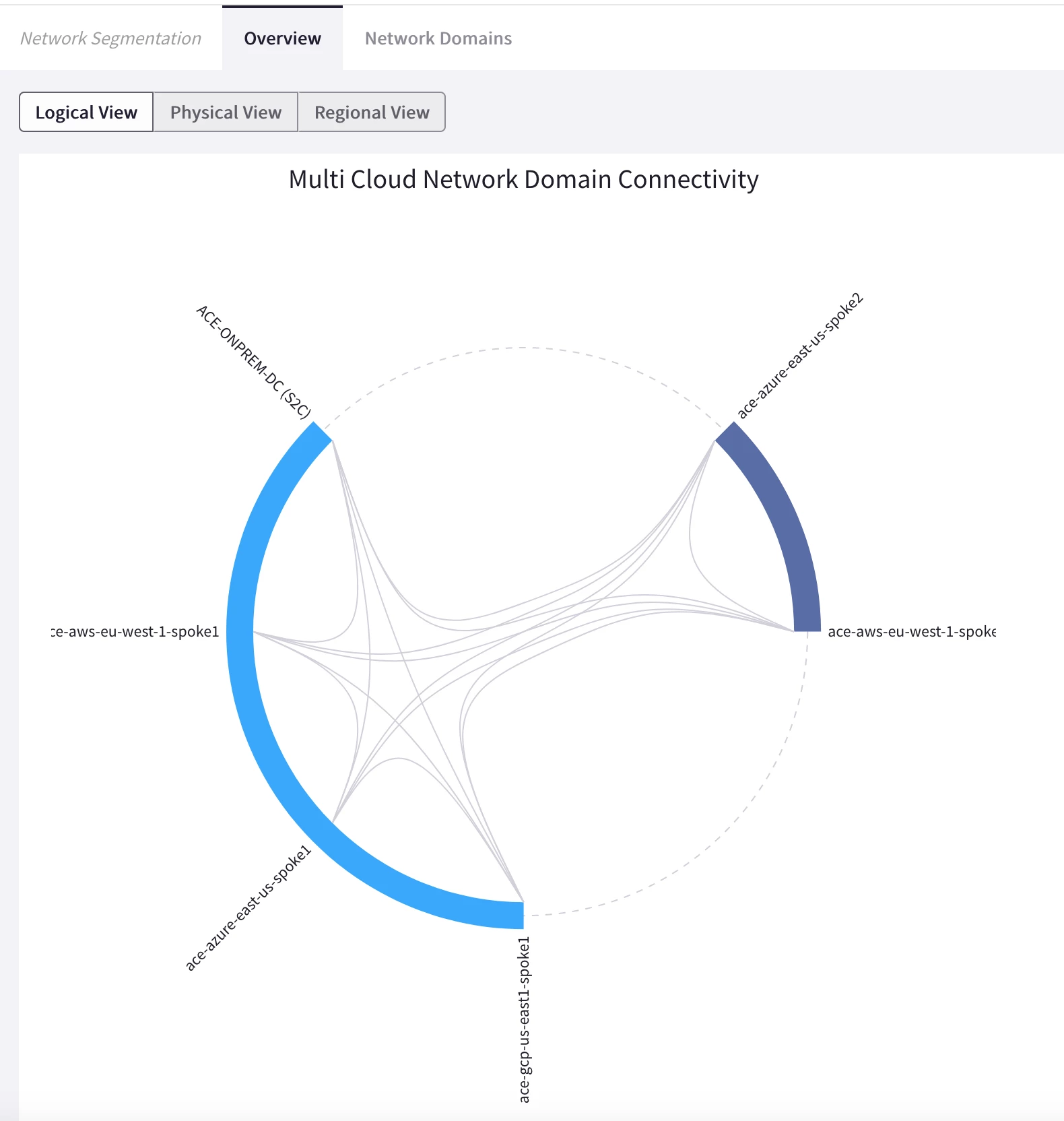
- Check Network Segmentation on the CoPilot by searching segmentation and look at the logical view.
HINT: Go to CoPilot > Networking > Network Segmentation > Overview > Logical View. This time you can notice the relationships established between the two Network Domains.
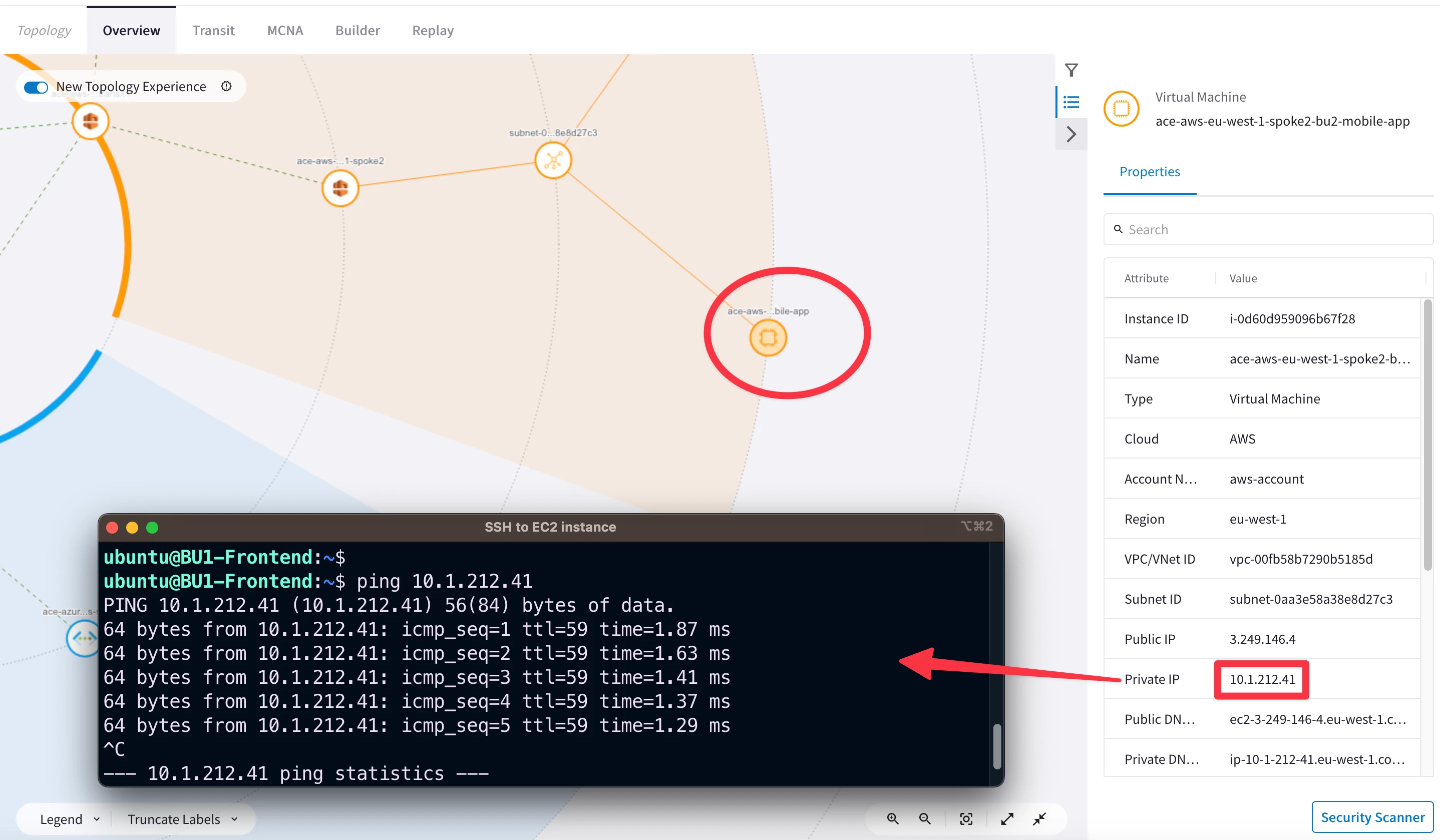
- Verify the connectivity between BU1 and BU2 domains.
- SSH to any instances inside any BUs and carry out ping/ssh commands between the two BUs.
- Ping and SSH between the two BUs should finally work, thanks to the Connection Policy (aka VRF leaking).
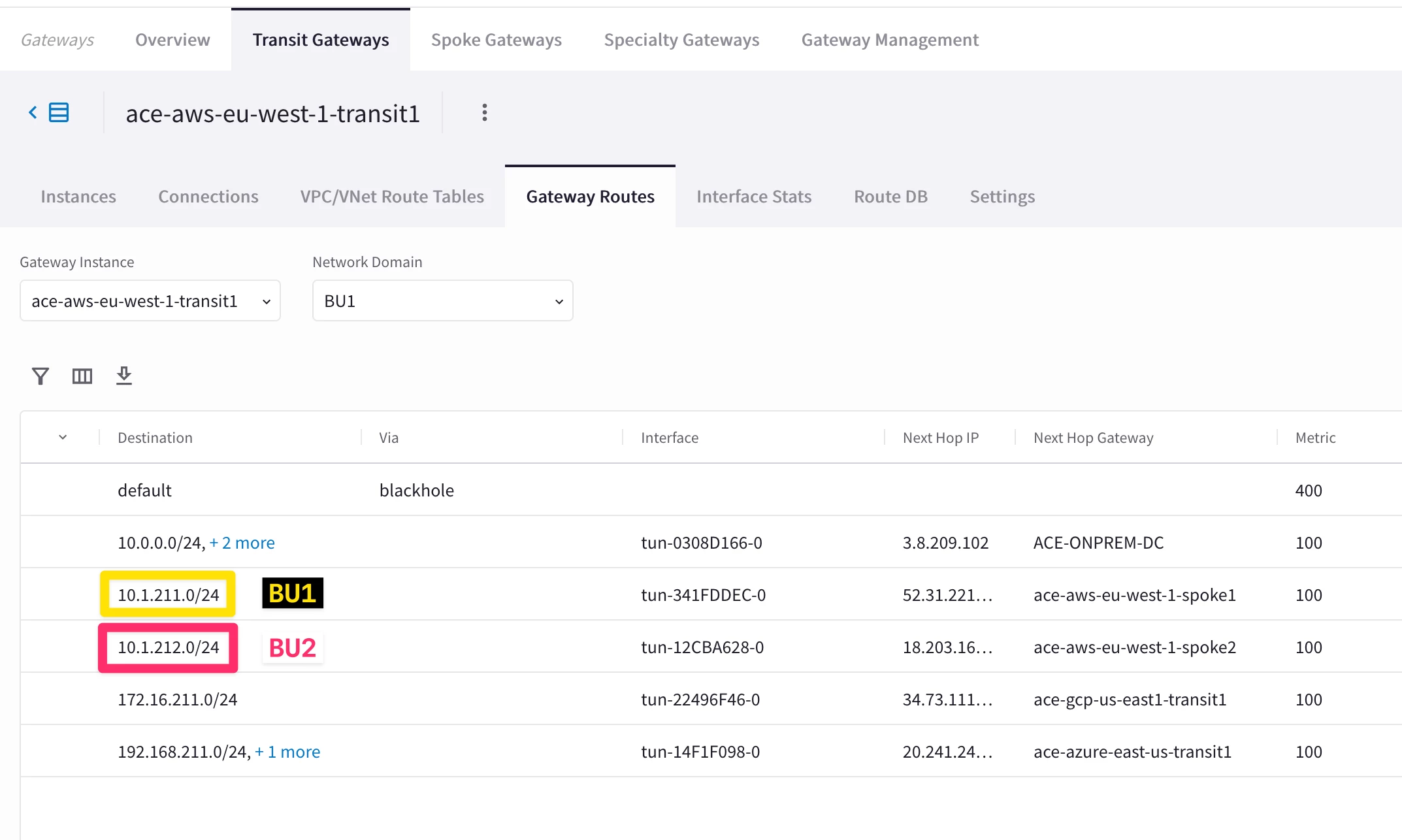
- Check the different routing tables (VRFs) maintained by any of the Transit Gateways.
HINT: Go to CoPilot > Cloud Fabric > Gateways > Transit Gateways > select the relevant gateway > Gateway Routes and filter out based on any Network Domains.